The problem: 2MB of runtime for one hero
My homepage 3D started life as a click-to-load Spline stage: visitors saw a poster and a “start the 3D scene” button. I rejected it — people should see the work immediately, not stare at a loading state. That is not a first impression.
But live-embedding the scene has measured costs too: Spline’s runtime.js is 2,043,193 bytes uncompressed, and the reference page took 4,475ms to finish loading. The free tier adds a “Built with Spline” badge in the corner, and our viewport-triggered variant disabled the scene on touch devices entirely. Three dealbreakers.
The final approach: photograph the scene once — capture a frame sequence, then serve pure images. The result: 48 frames, 337KB of desktop WebP total (141KB on mobile), no runtime, no badge, works everywhere including phones and old Safari.
The insight: the watermark never touches the canvas
The shareable “aha”: the free-tier watermark is a DOM overlay floating above the canvas (literally an <a> element) — it is never rendered into the WebGL canvas. Reading the canvas directly therefore yields clean frames.
The boundary that matters: this is my own scene and my own content — the technique reads pixels I authored. It is not a method for stripping other people’s watermarks, and the full provenance is recorded in the project’s asset register.
The capture rig
- Monkey-patch
requestAnimationFrame: wrap every callback so the capture runs synchronously right after the engine renders. Same-task reads keep the WebGL drawing buffer valid — nopreserveDrawingBufferneeded (you cannot set it on a hosted scene anyway). - In-page downscale: 1680×983 source → 1280×720 cover-crop through an offscreen 2D canvas,
toDataURL("image/webp", 0.75). - Sampling: every 2nd–3rd rAF tick (≈20–30fps effective), 48 frames.
- Black-frame gate: encoded frames under 9KB are dropped — a pure-black 1280×720 WebP is ~3KB while real starfield frames run 12–16KB, so warm-up frames disqualify themselves.
- Hidden tabs freeze rAF: a backgrounded window renders nothing, so the rig arms itself and auto-starts on the first rAF tick after the tab becomes visible.
What went wrong on the way
The first capture’s frame 0 came back pure black (engine warm-up) — hence the size gate. More interesting was v1: we choreographed the camera with synthetic pointer events at amplitude 0.33, and the orbit swung far enough to show the BACK face of the scene’s 3D text — mirrored letters mid-sequence. I caught it myself from a screenshot.
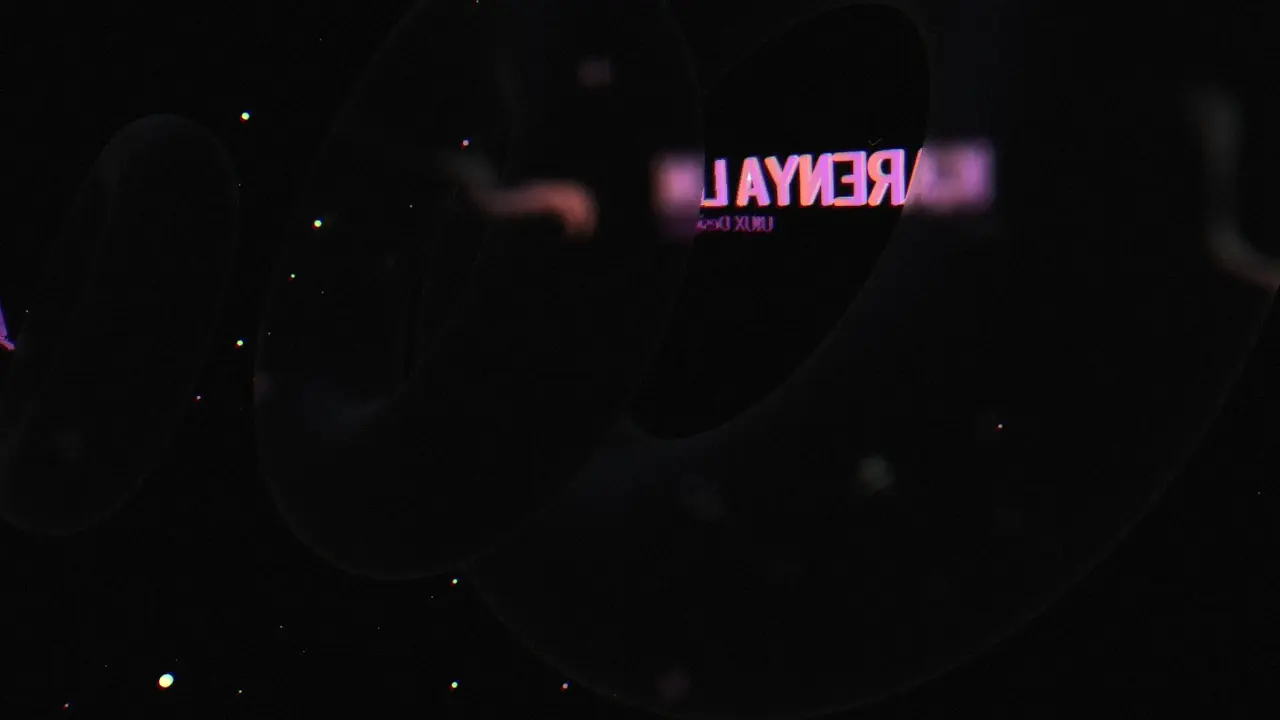
v2 fixed the mirroring with a frontal low-amplitude arc (0.10/0.06). The shipped v4 dropped synthetic input entirely: I framed the shot by hand in the browser — big text face-on — and the rig simply recorded the scene’s own camera animation from there. The design lesson: the best choreography was the designer’s hand, not synthetic events.

One more real-world obstacle: the browser extension’s data-loss filter blocks large base64 strings in tool responses, so frames leave the page as a single Blob download (a ~600KB JSON, per-file user approval) and decode back to WebP on disk.
The asset pipeline
Captured WebPs go through sharp into production assets: desktop 1280×720 (WebP q66 + AVIF q52), mobile 720×405 (WebP q64 + AVIF q50), and a poster JPG rendered from the start frame (q80, 27.9KB). Measured totals: 337KB desktop WebP, 141KB mobile, AVIF smaller still.
Before and after
Before: 2,043,193 bytes of runtime, a 4,475ms page load, a badge in the corner, and no scene on touch devices. After: a 27.9KB poster as the LCP, 337KB of lazily-fetched images, zero extra runtime, identical on every device. Same scene, two very different bills. How those frames became a playing, shrinking, never-make-you-wait React hero is the next article.